Diagnosing Computer Issues: Practical Troubleshooting for IT Technicians
Streamlining technical onboarding through interactive simulations and scenario-based troubleshooting for IT professionals.
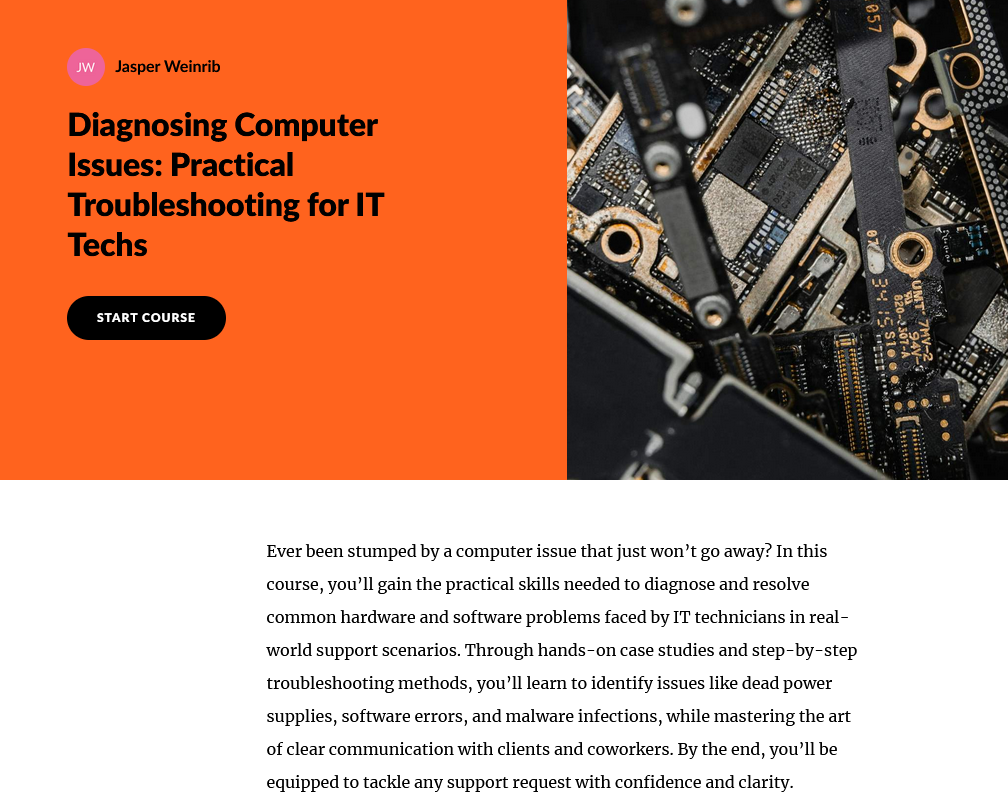
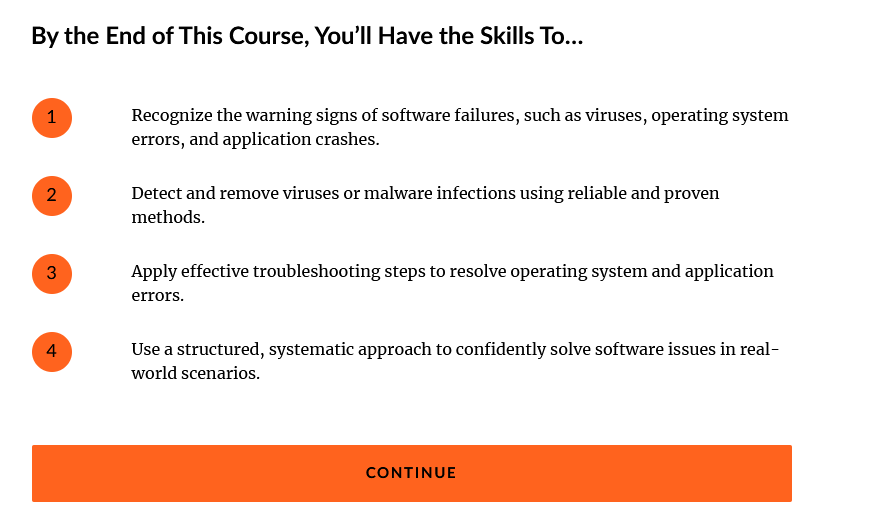
This scenario-based eLearning project helps learners practice the process of diagnosing common computer issues through guided troubleshooting steps. It provides realistic decision-making scenarios that challenge learners to apply critical thinking and technical reasoning to identify hardware and software problems efficiently.
- Audience: Entry-level IT support technicians and helpdesk trainees
- Responsibilities: Action mapping, instructional design, storyboarding, eLearning development, visual design, and interactive scripting
- Tools Used: Articulate Storyline 360, Articulate Rise 360
The Problem
Many new IT support employees struggle with structured troubleshooting. They often rely on guesswork or escalate tickets prematurely, leading to slower resolutions and increased support costs.
I developed a concise, scenario-based eLearning solution to help trainees build confidence in diagnosing issues independently before escalating them.
The Learning Solution
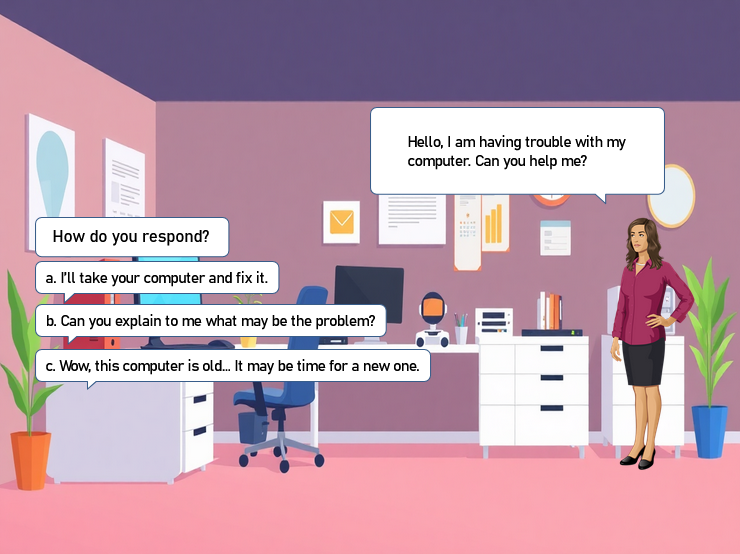
I proposed an interactive learning module that simulates a day in the life of an IT support technician. Learners work through a realistic helpdesk scenario, making choices about how to troubleshoot common computer issues. Each choice provides immediate, scenario-based feedback so learners can see the impact of their decisions in a safe, low-risk environment.
This approach allows learners to practice diagnostic reasoning, reinforces systematic problem-solving, and builds a foundation for effective communication with end-users.
My Process
Using the ADDIE model, I started by mapping out the critical troubleshooting steps most relevant to early-career IT roles. During the design phase, I created a text-based storyboard outlining scenario dialogue, decision points, and feedback logic. I paid particular attention to using plain language and concise cues that mirrored real-world ticketing conversations.
In Articulate Storyline 360, I brought these interactions to life with layers, triggers, and branching logic that simulate diagnostic outcomes.
Action Map
The business goal focused on reducing unnecessary support escalations and improving first-contact resolution rates. The key learner actions aligned with this goal — including verifying user information, asking clarifying questions, testing system components, and documenting findings. Each interaction reinforced the value of methodical troubleshooting rather than reactive fixes.
Visual Design
The visual style reflects a professional IT environment, with clean layouts and muted color palettes that mirror a real service desk interface. I used Storyline 360 to design assets such as icons, interface mockups, and notification elements. Visual clarity and realism were priorities to ensure learners could easily focus on decision-making rather than visual distractions.
Development
In Storyline 360, I integrated branching slides, dynamic variables, and conditional feedback to create a seamless flow between decisions and outcomes.
The project was published as a responsive HTML5 module so it can be accessed on any device, including tablets and laptops commonly used in training settings.
Results and Takeaways
This project strengthened my ability to design scenario-based learning that balances realism with instructional clarity.
Developing this module deepened my understanding of how interactive design can replicate real-world decision-making, an essential skill for beginner IT technicians.